
Leave your Mac working.
Not open.
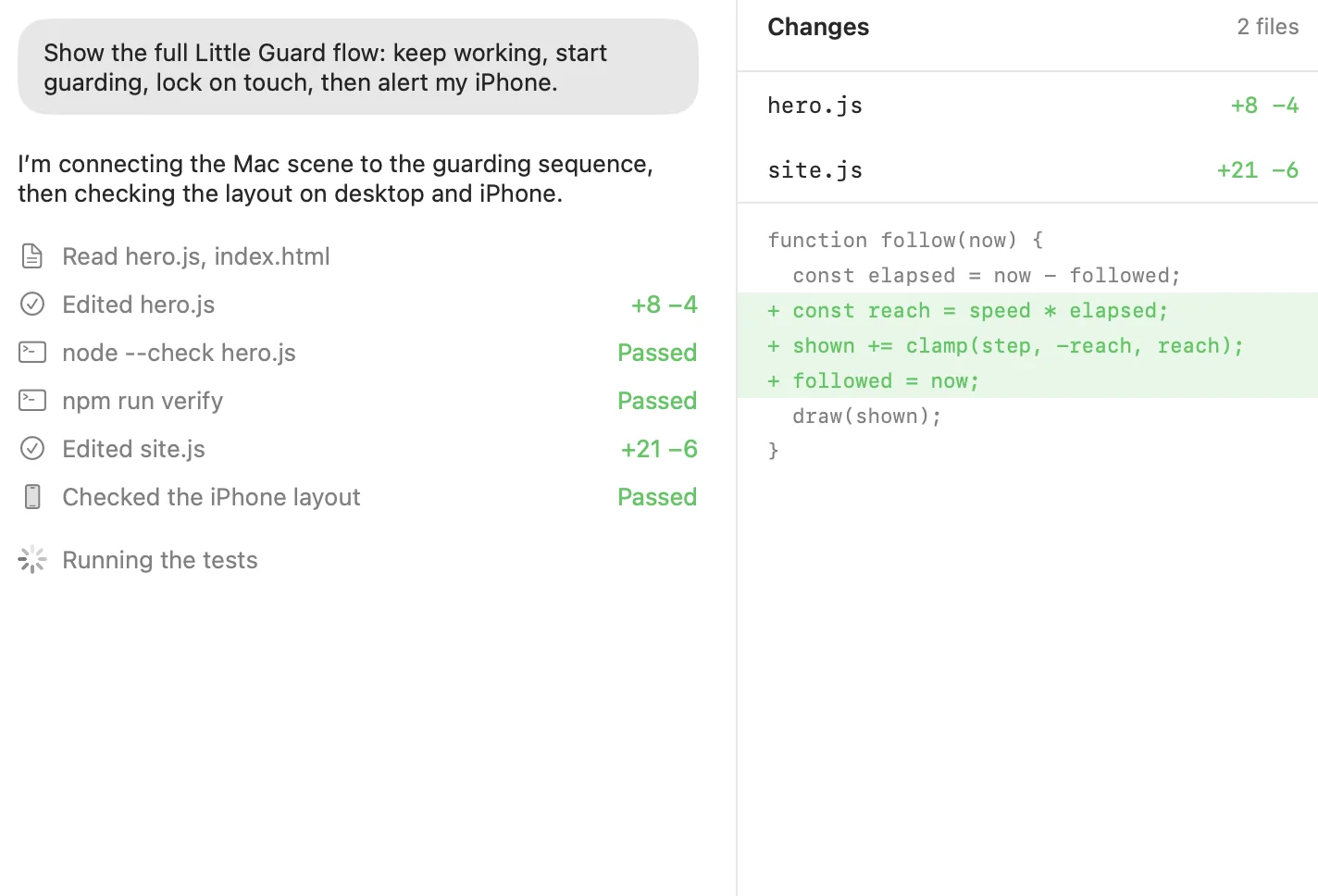


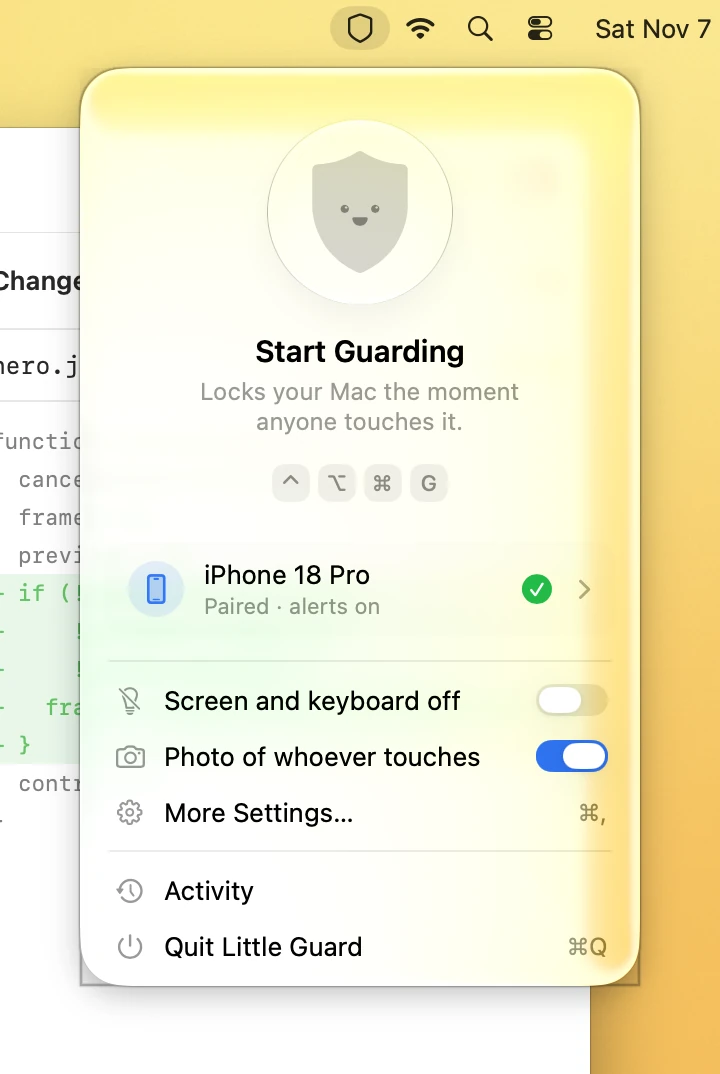
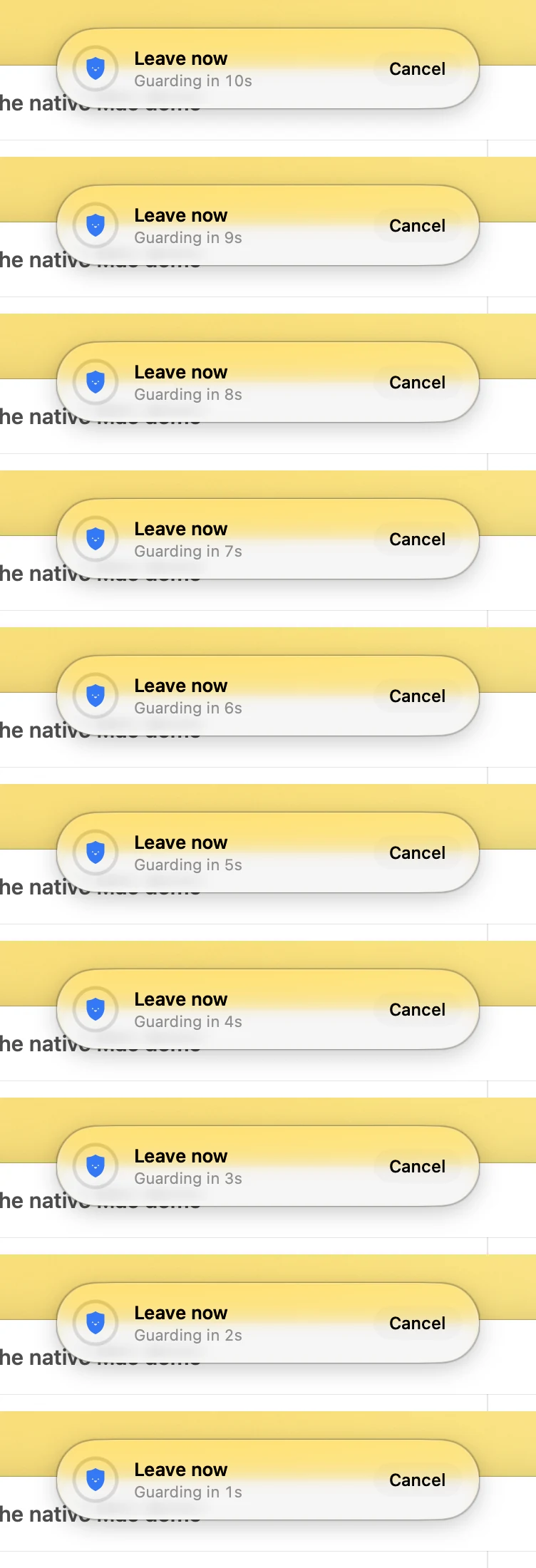
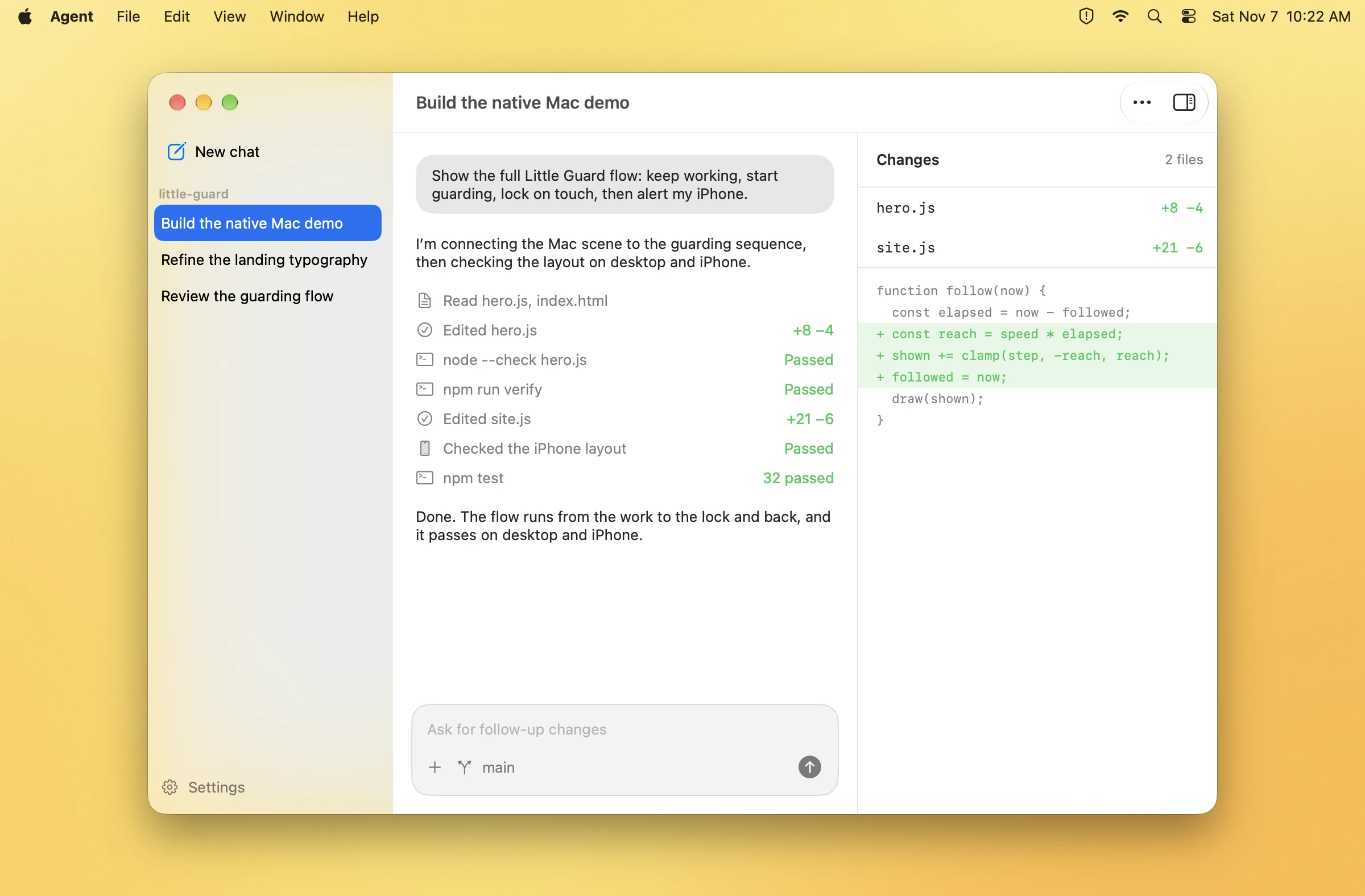
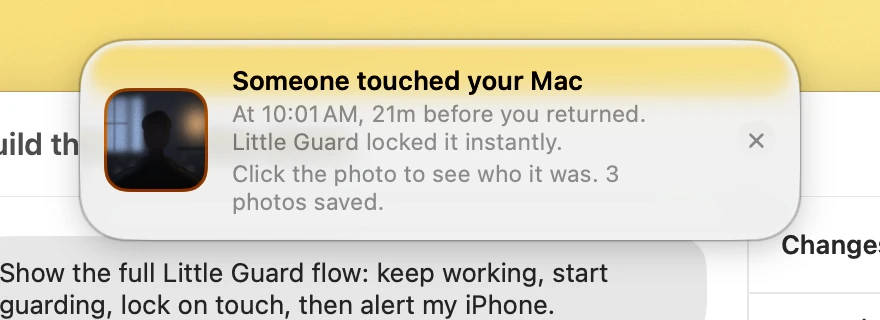
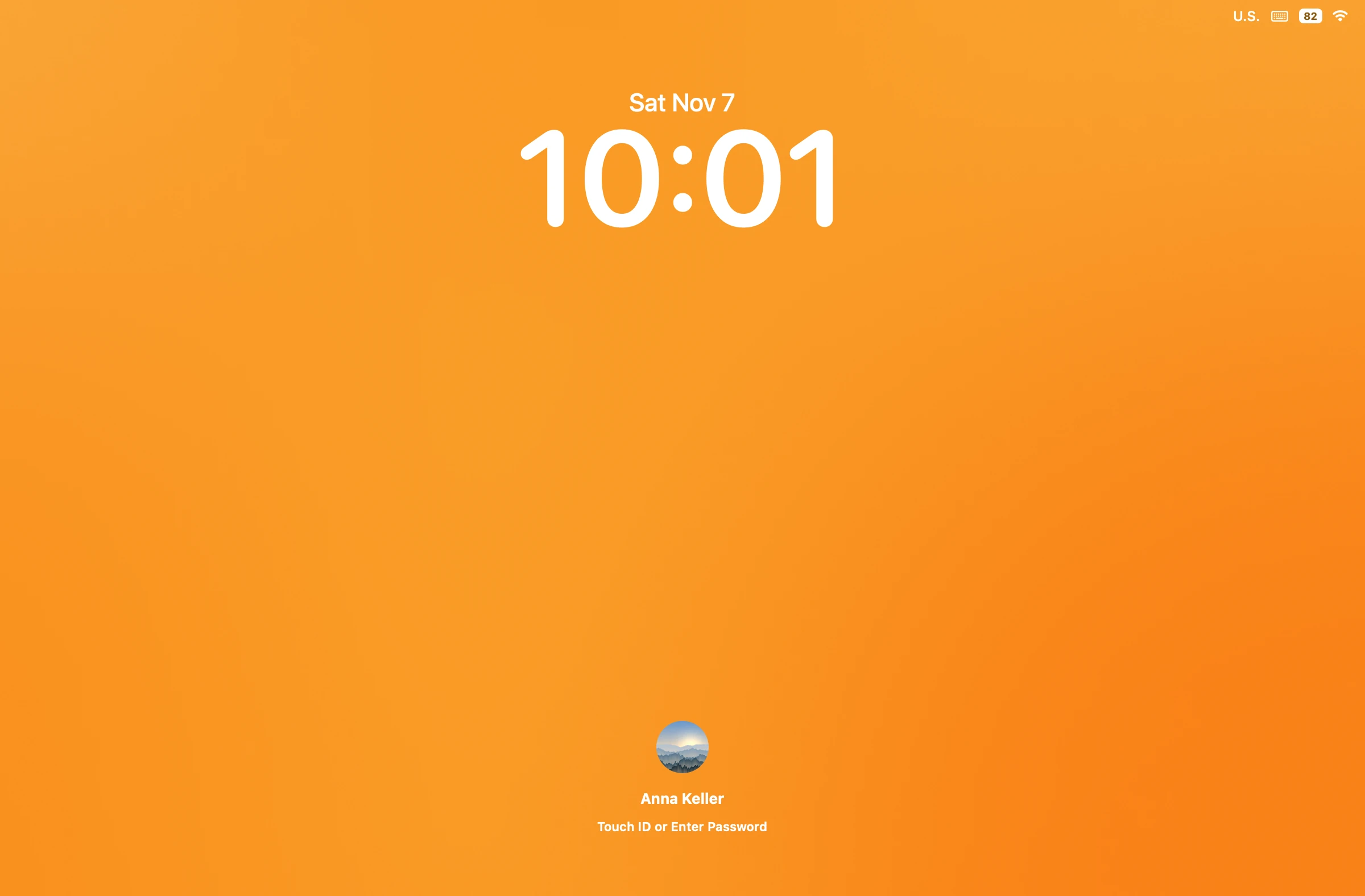

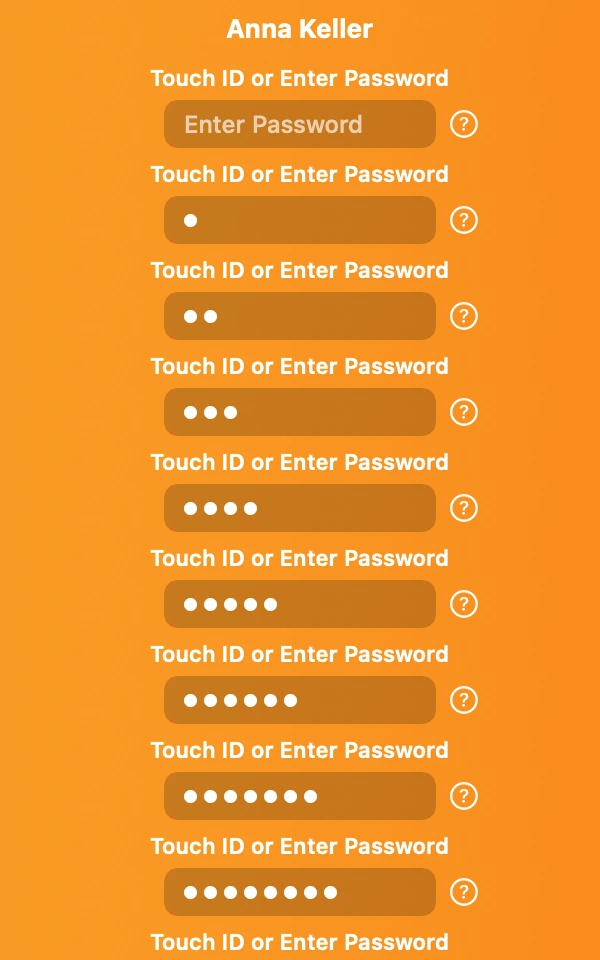

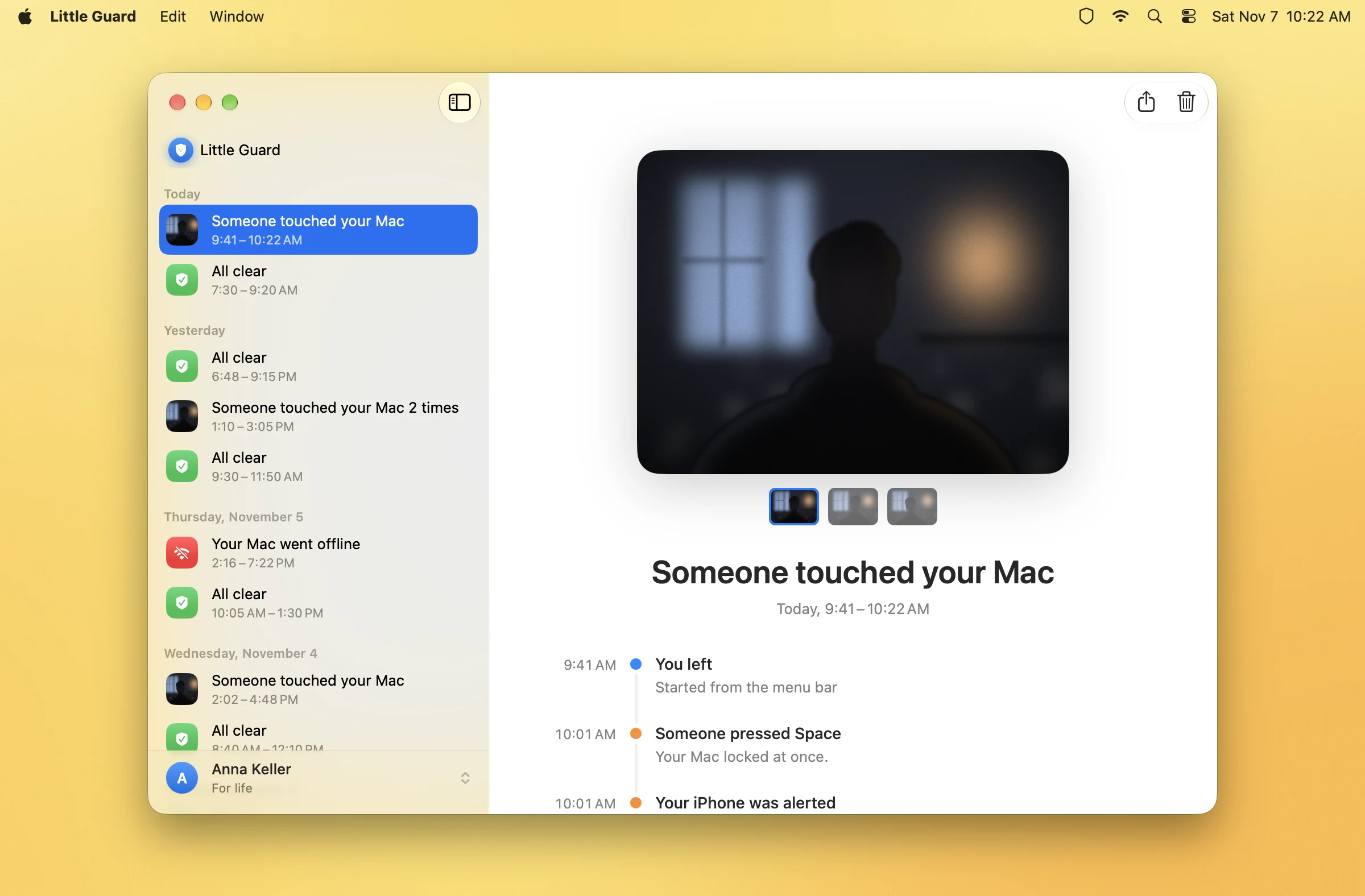

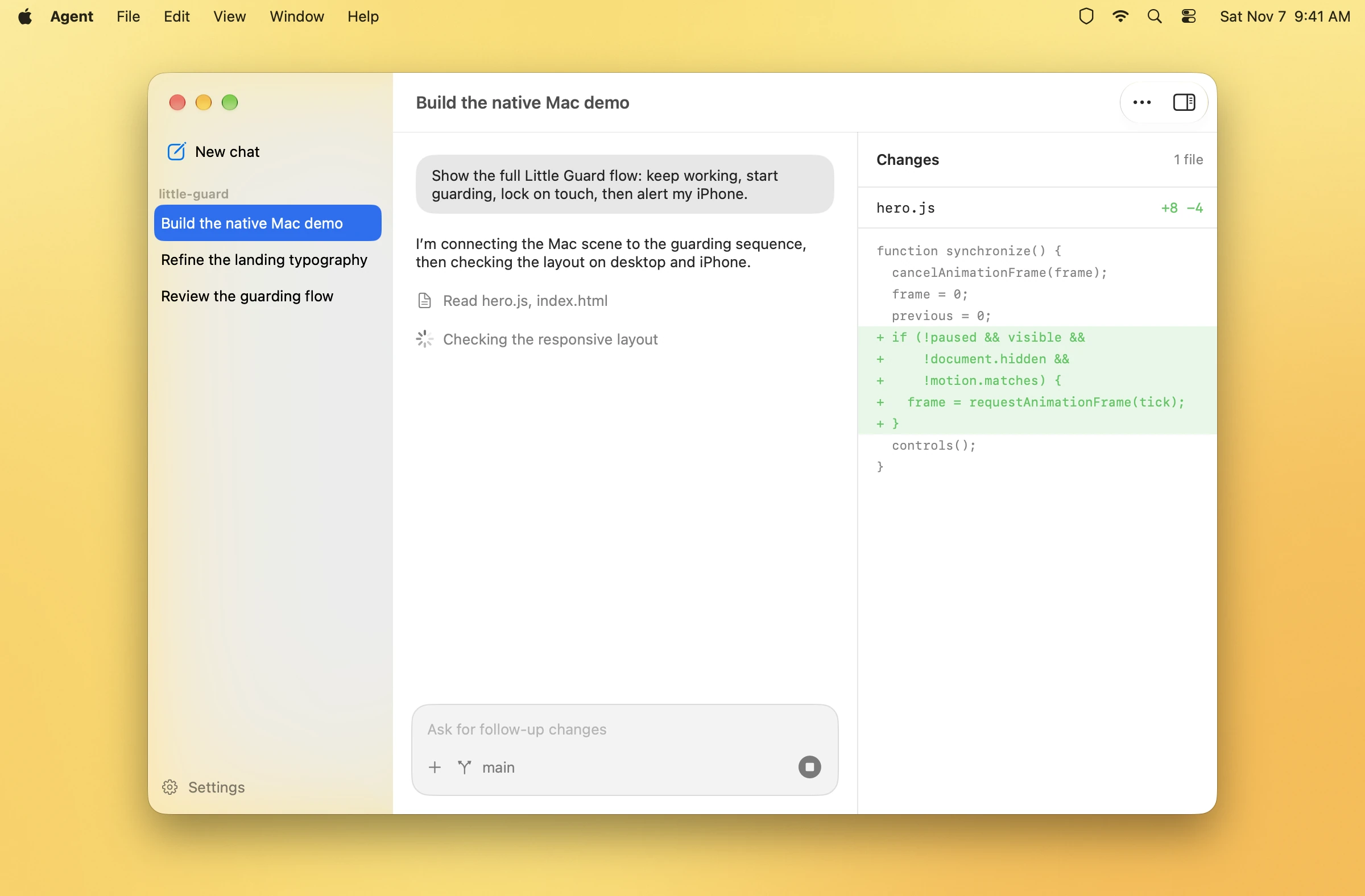
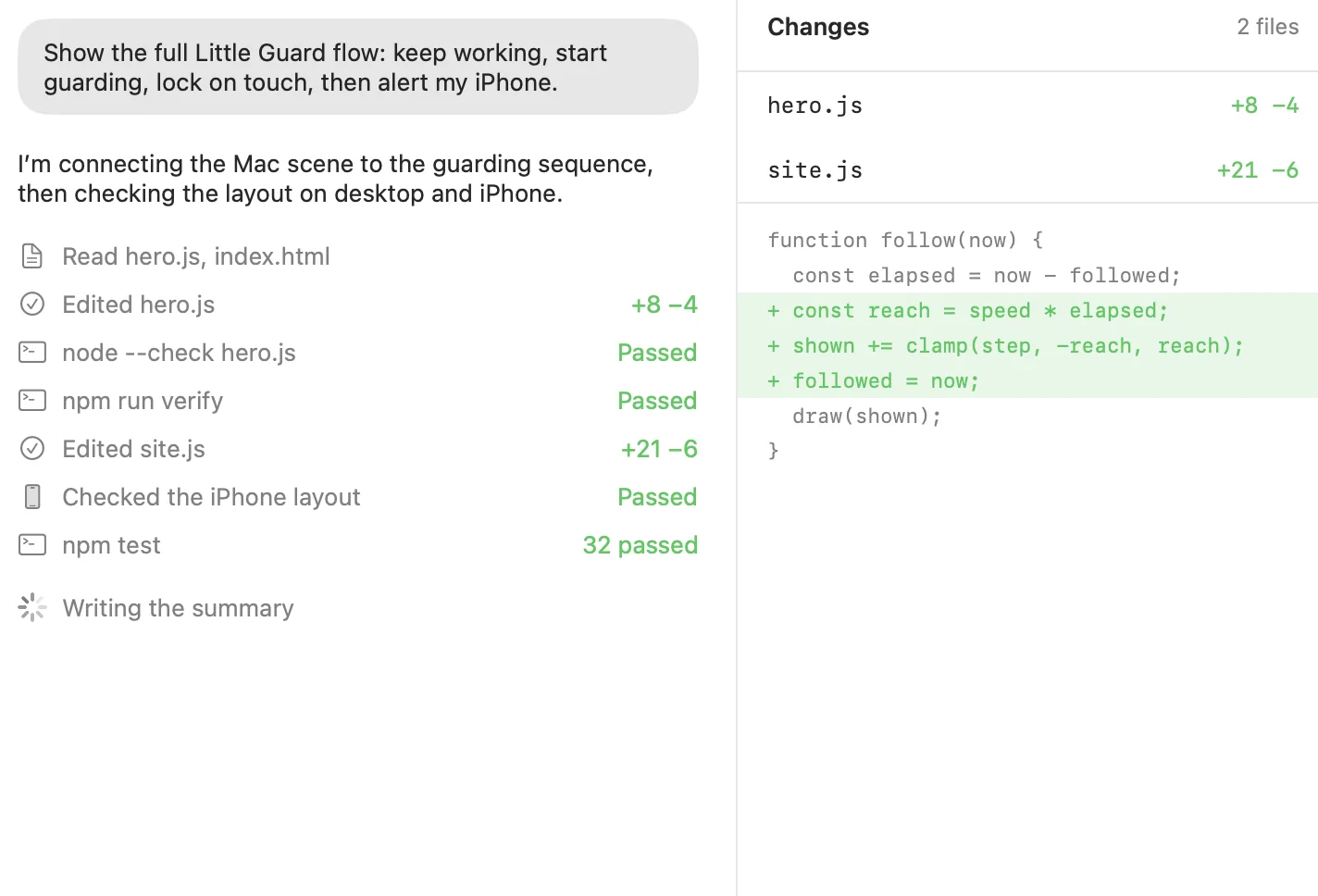
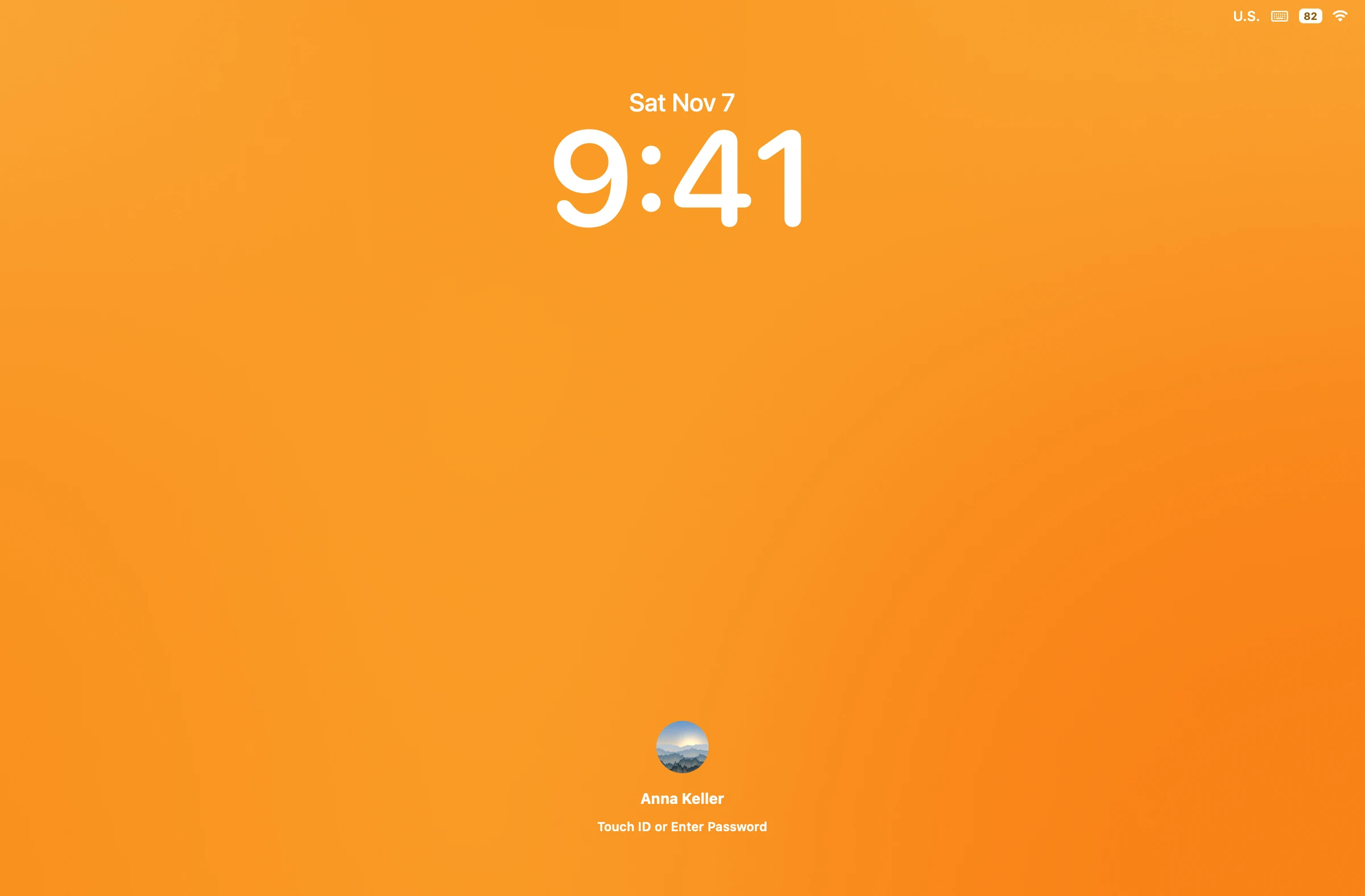
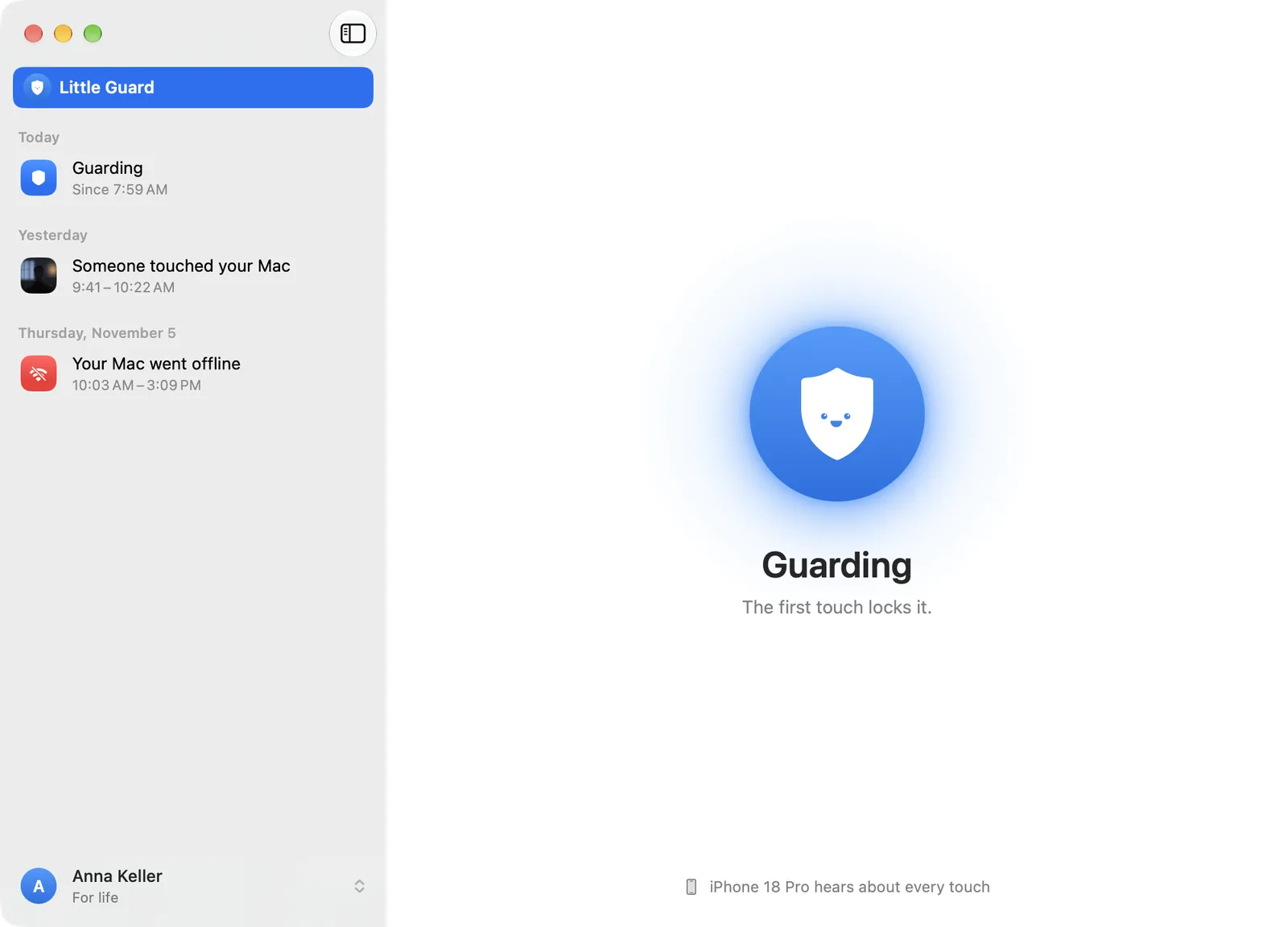
Your agent keeps working. Start Guarding and leave within ten seconds. The shield in the menu bar turns on, the pointer disappears, and the agent carries on. Someone presses Space and the Mac locks instantly. When you come back and type your password, the work is done, and Little Guard shows you a photo of who touched your Mac, with what happened and when. One touch is all they got.
Away from your Mac.
Still in the know.
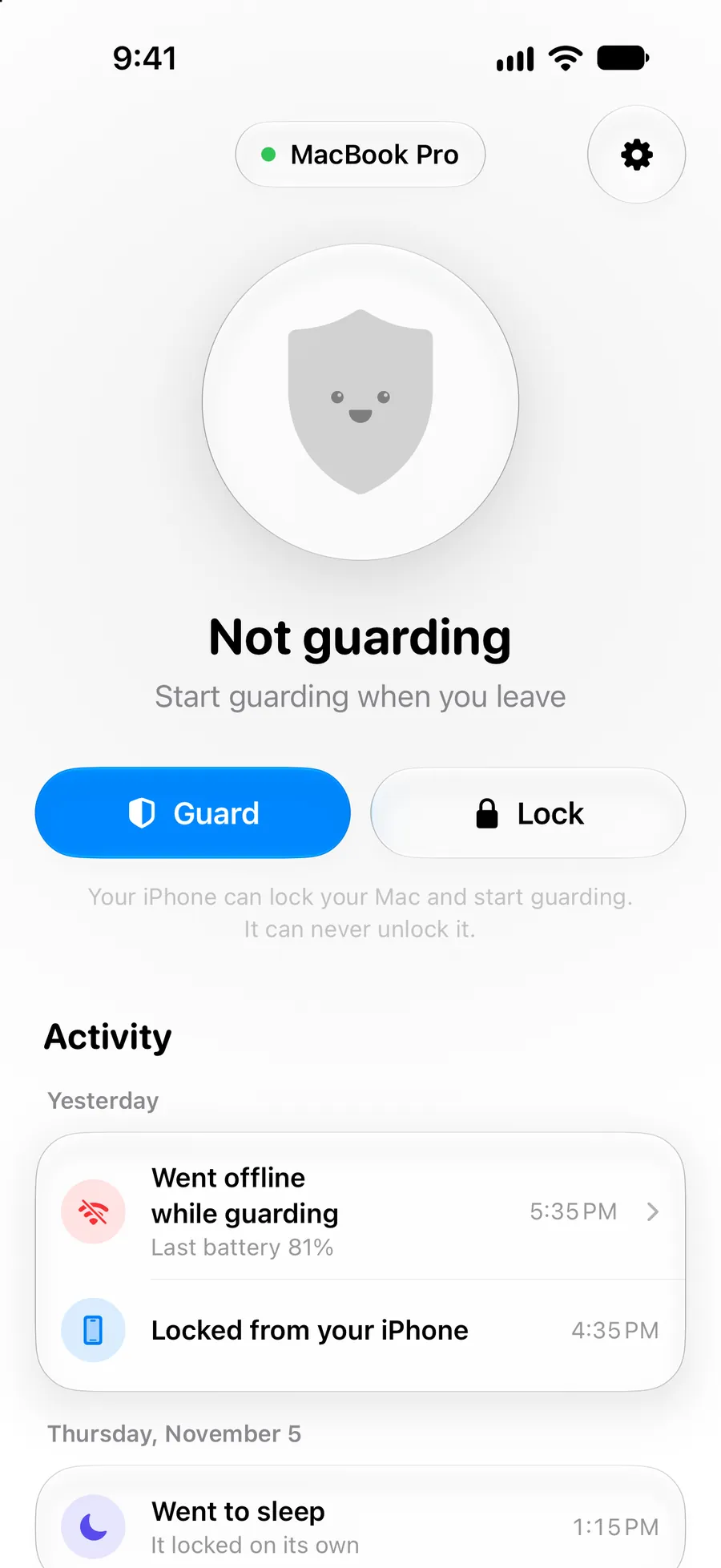
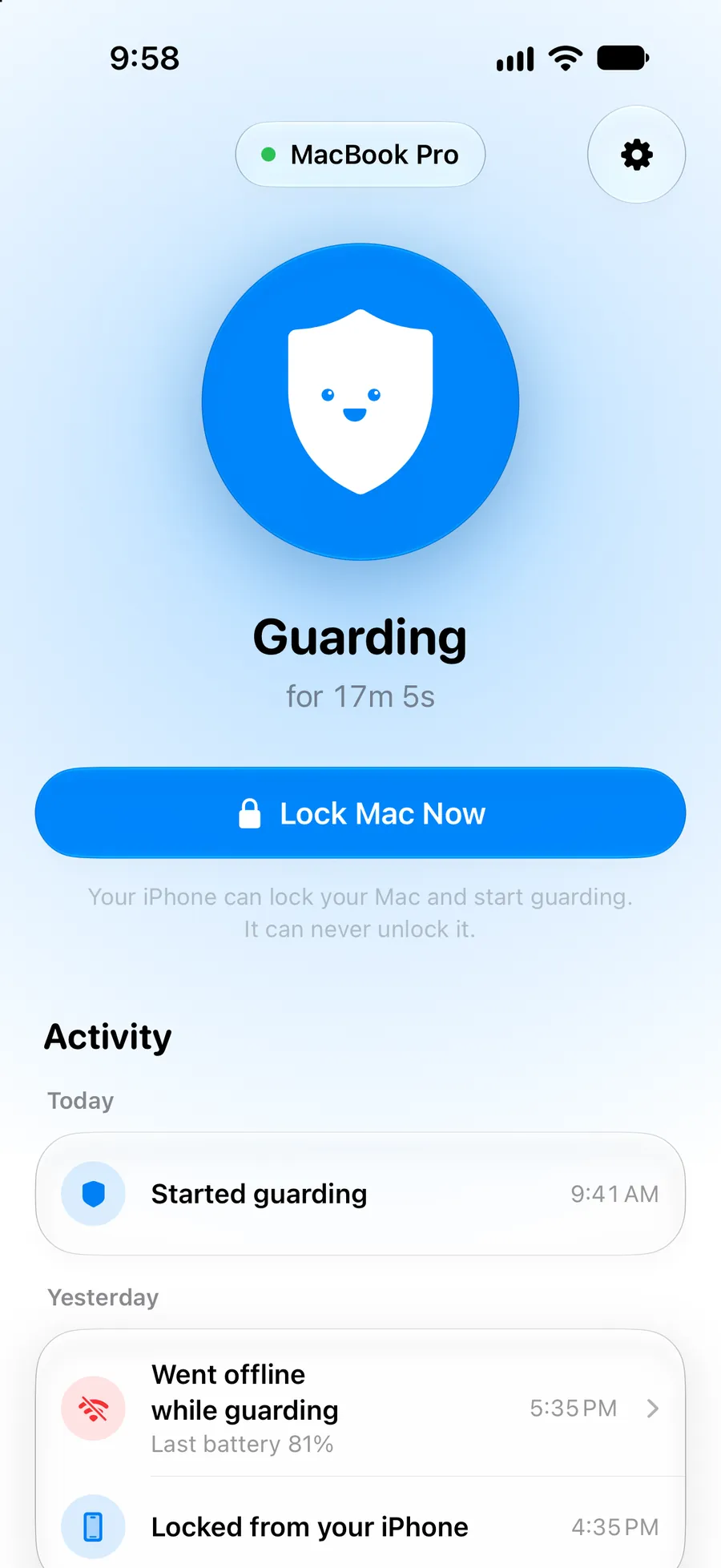
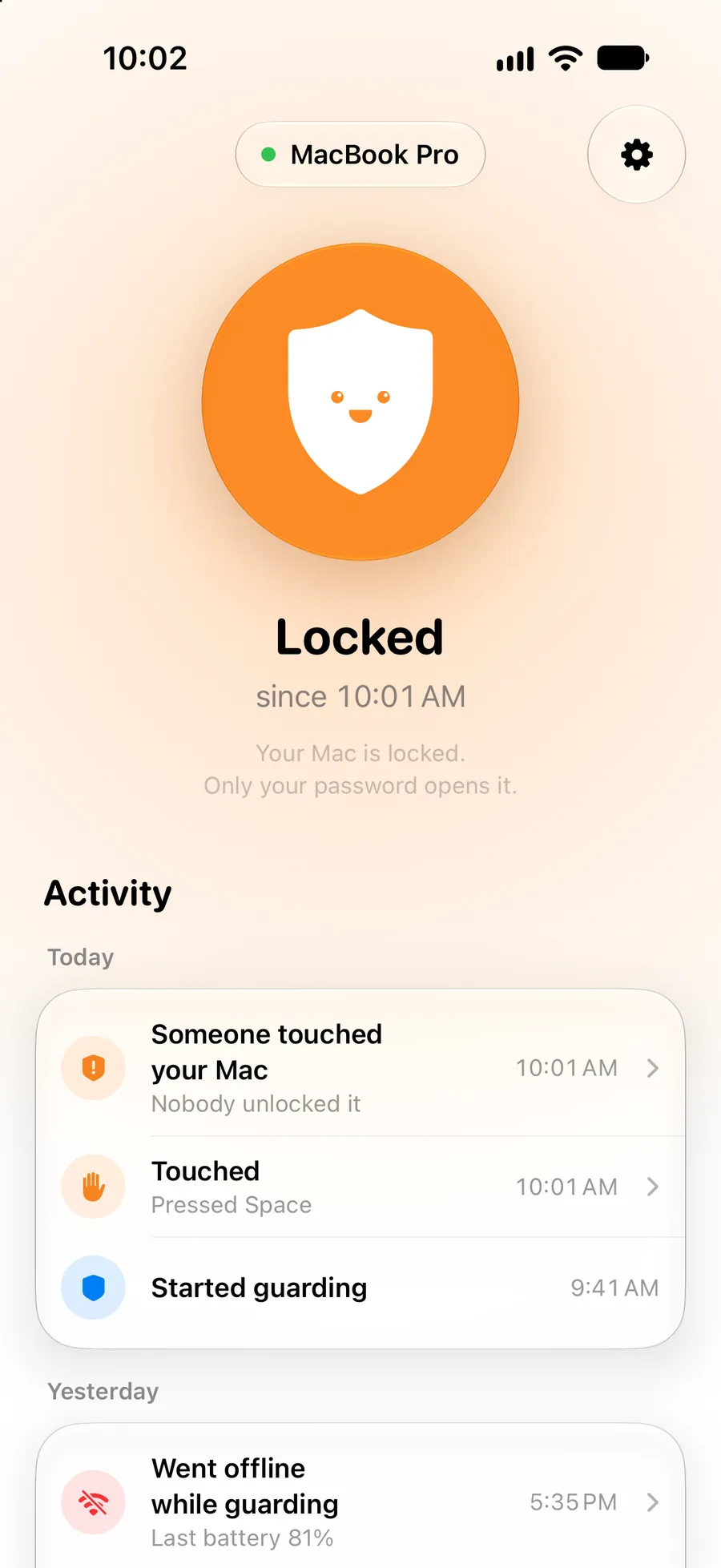
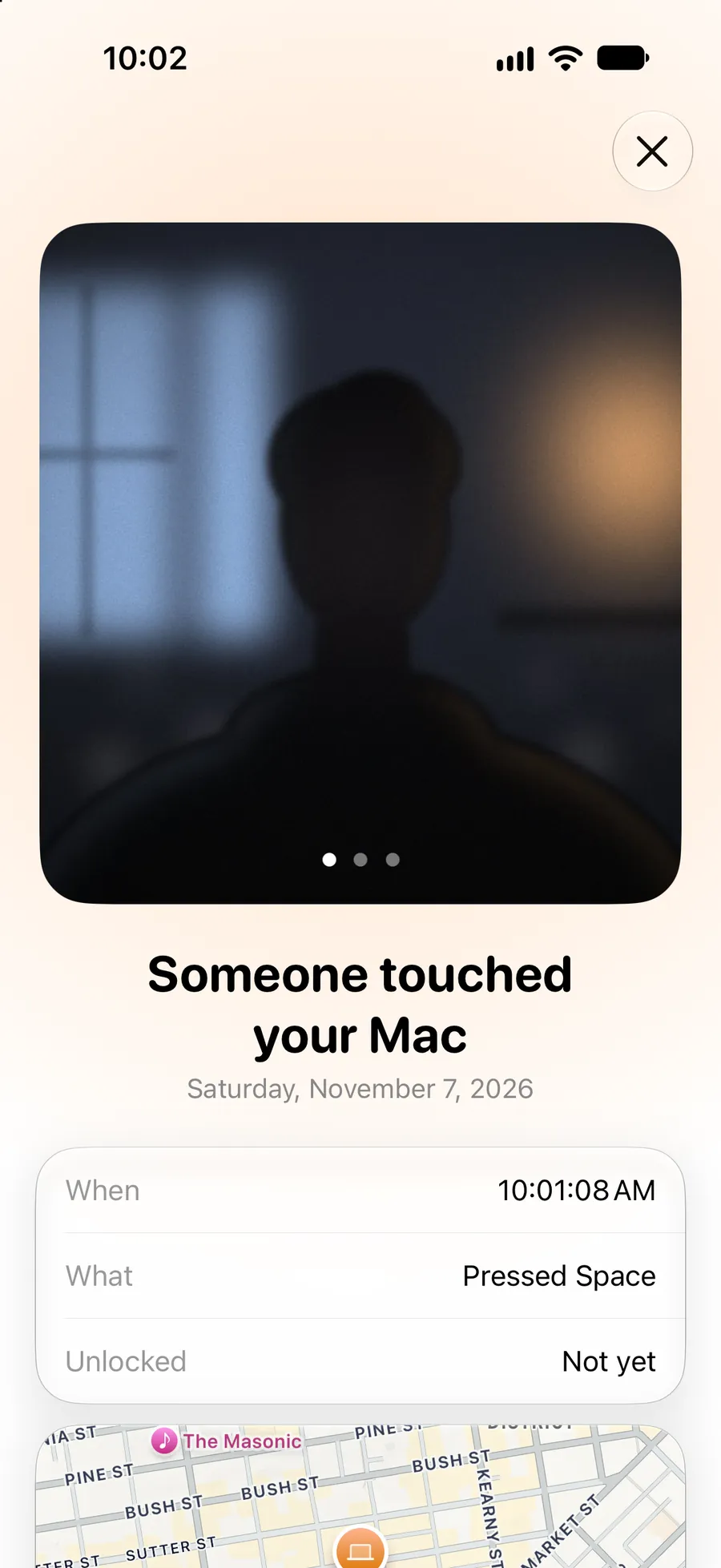
You’ll know before you look.
Three notes and a tap on the wrist.
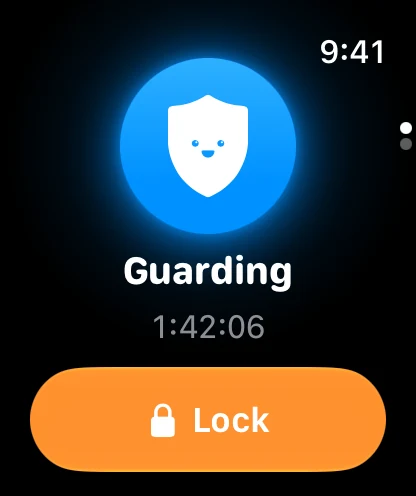
Eight seconds after a touch, if your Mac is still locked, your iPhone and Apple Watch tell you, with a photo of who it was. Unlock it within those eight seconds and nothing is sent.
Your agent can type all day.
One finger, and it locks.
Little Guard listens to the keyboard and trackpad themselves, so what software does never counts. Only a hand does.



- Your agent
- 1,204keystrokes. Still guarding.keystrokes. Still working.
- You
- 0touches so far.touch. Locked instantly.
- Your iPhone
- 0alerts. All clear.
Go ahead. Move your pointer onto the screen.Go ahead. Tap the screen.
That was you. Only a hand sets it off.
And if they just take it?
Your iPhone knows it wasn’t the battery.
Then your Mac tells on them.


- 9:41 AM
It saw who did it.
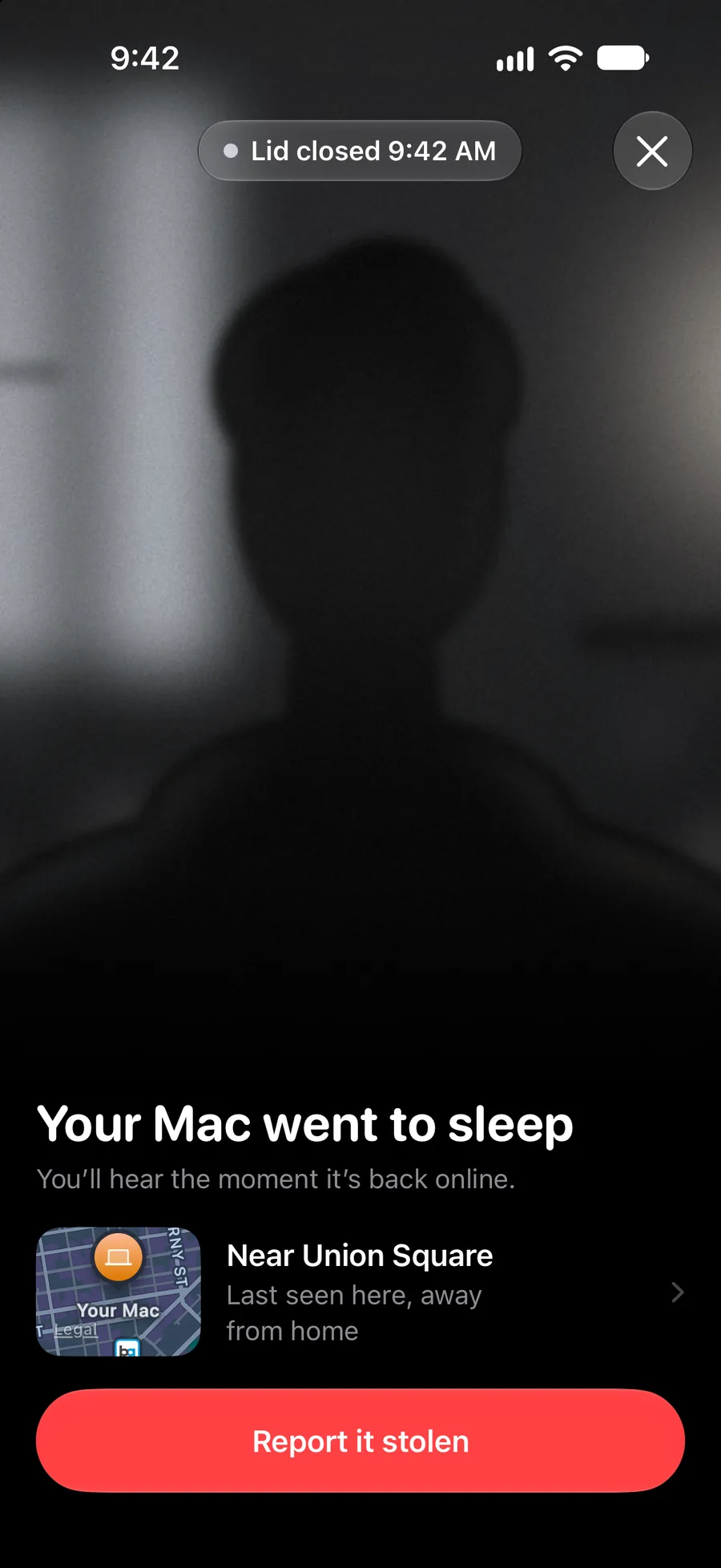
The camera starts at the first touch. Photos and short video reach your iPhone as they’re taken.
- 9:42 AM
They closed the lid. Too late.
Your Mac is asleep, and everything it saw is already on your iPhone.
- 5:26 PM
They opened it again.
As soon as your Mac is back online, you get new video and a new place. Every time.
- 9:02 AM
Take it to the police.
The next morning, one report holds every photo, video, place and time, with your serial number. Walk in with more than a story.
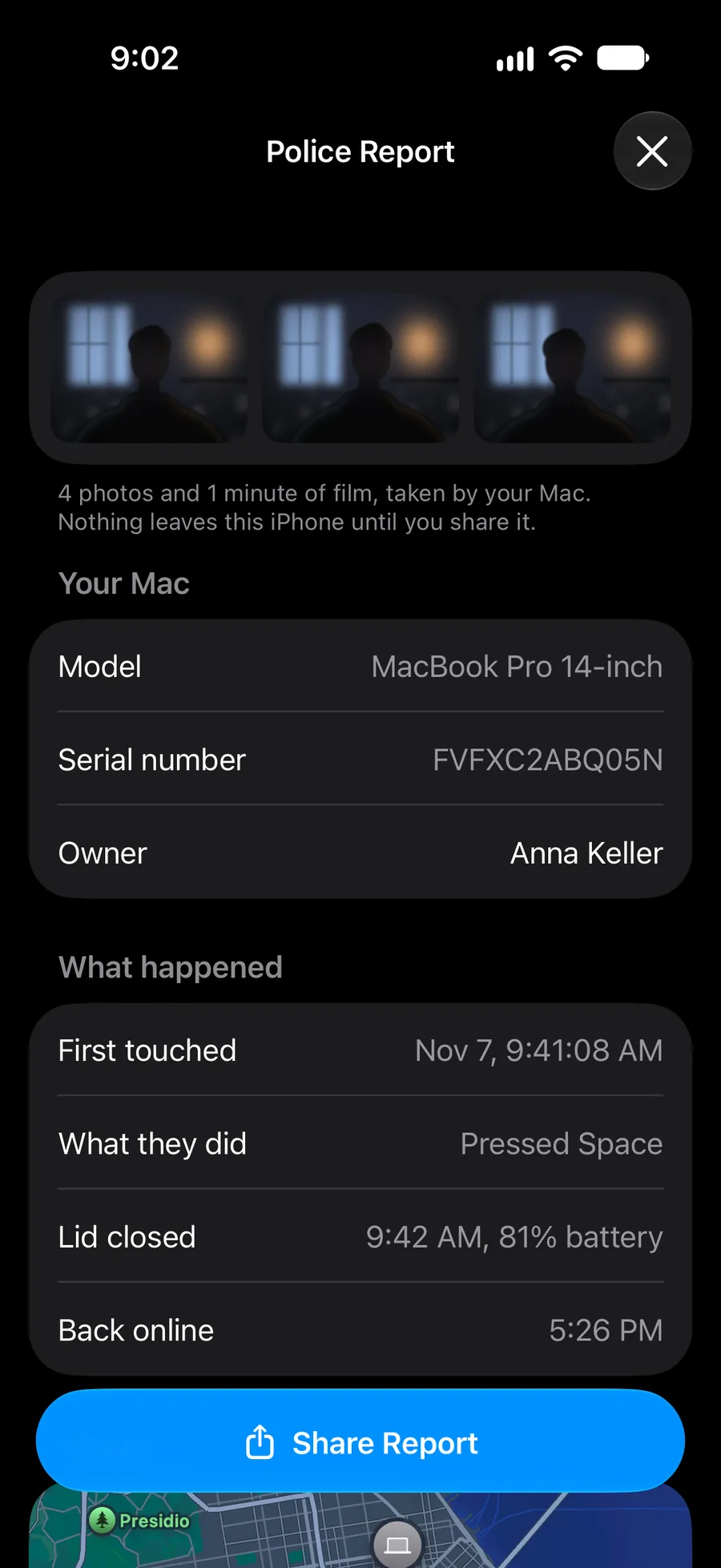
The camera starts only at a touch, and location is yours to turn on. At home, your Mac’s location never leaves it.
Nobody else can see it. Not even us.
- PhotosSealed
- What you typeNever
- What they pressedSealed
- Your nameNever
- Where your Mac isSealed
- Your phone numberNever
- Battery levelSealed
- Mac modelSealed
When you pair them, your Mac and your iPhone agree on a key that never leaves them. Photos, places and details are sealed on your Mac before they go anywhere.
Learn more about privacy in Little GuardGo. It’s guarded.
Little Guard watches your Mac. You get on with your day.
Coming soon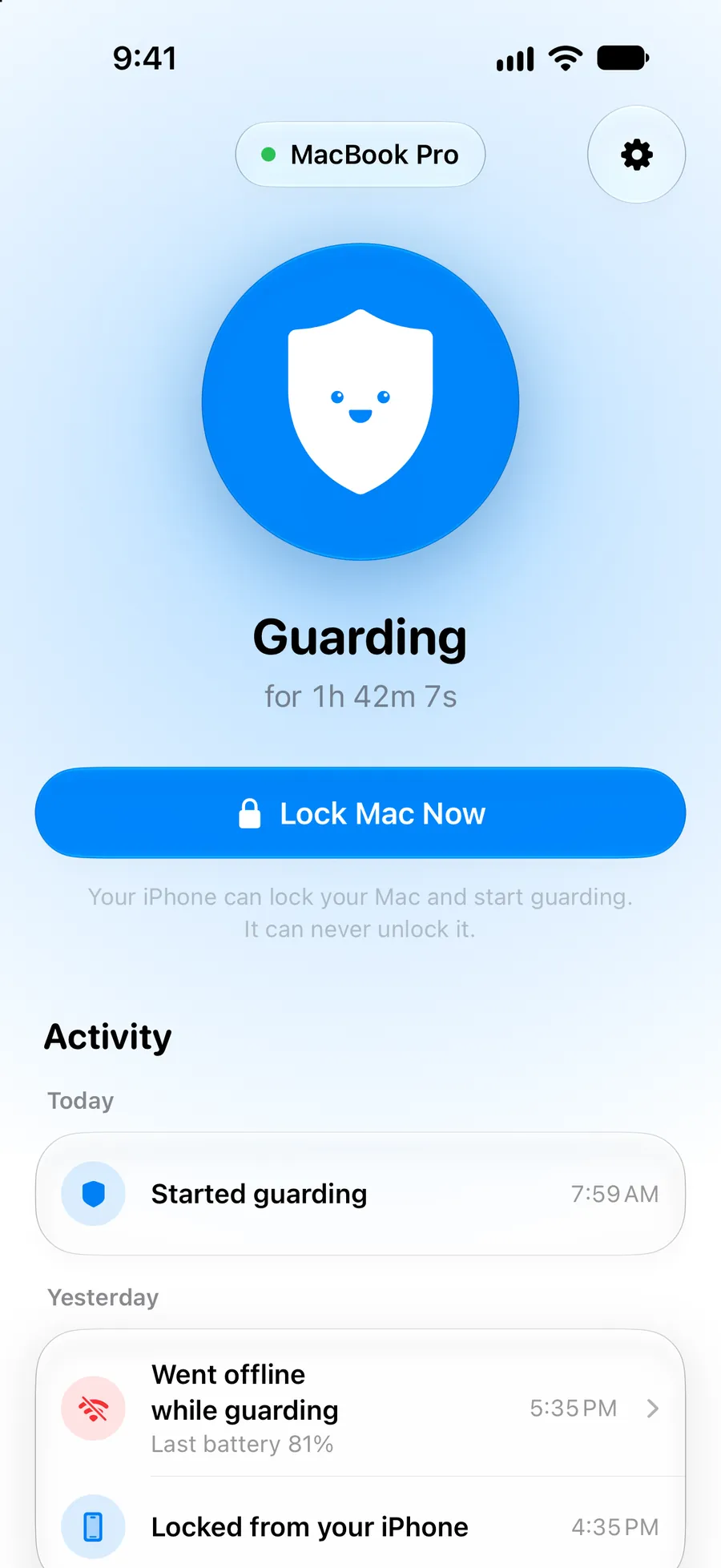
Sign in on your Mac, scan a code with your iPhone, and you’re guarding. Your first week is free, with no card. Then it’s $29.99 a year, $1.99 a week or $79.99 once, for all your Macs, iPhones and Apple Watches. It needs a Mac with Apple silicon and macOS 26, and an iPhone with iOS 26 for alerts.